Step 1: Access the Template
-
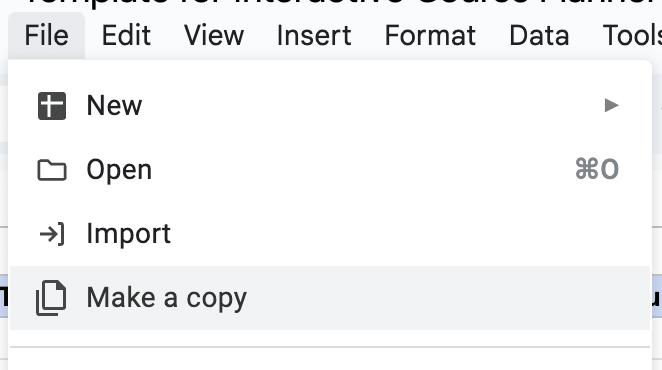
- Click File → Make a copy to create your own editable
version
Step 2: Customize Your Course List
Replace the sample data with your own courses
✨ PLEASE NOTE: If you have fulfilled a course elsewhere (eg. CC, AP, IB, etc.), please don't include it in your course list or list it as a prerequisite/corequisite!
For each course, fill in:
- Course Name & Number (e.g., "CS 101"):
- Taken:
- Write
Not Assignedif you haven't taken it yet - Otherwise, use format like:
"Fall, Year 1"
- Write
- Req Satisfied:
- The requirement category this course satisfies
- Examples:
Lower Div,Major Core,5 Elective,GE,TB
- Prerequisites (courses that must be taken before this one):
- List course numbers separated by commas
- ⚠️: These must exactly match the course names elsewhere in the spreadsheet
- Corequisites (courses that must be taken together):
- List course numbers separated by commas
- ⚠️: These must exactly match the course names elsewhere in the spreadsheet
- Units: How many units the course is worth
✨ Pro Tip: Put your most important courses at the top — the planner uses this order to prioritize!
Step 3: Export Your Data
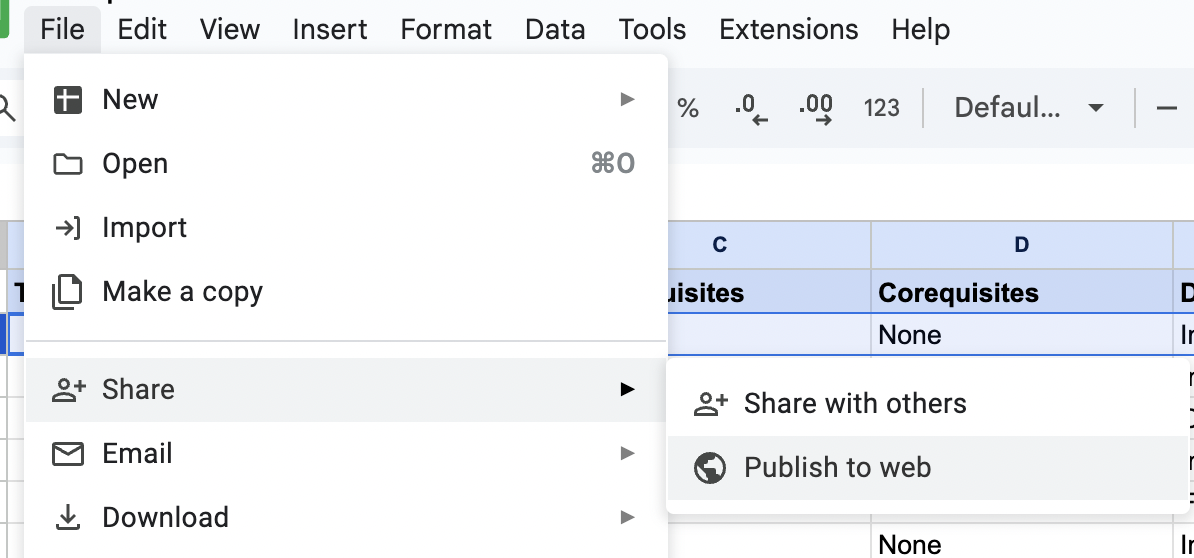
- In your Google Sheet, go to File → Share → Publish
to web
- In the dropdown menu, change from "Entire Document" to your specific
sheet/tab
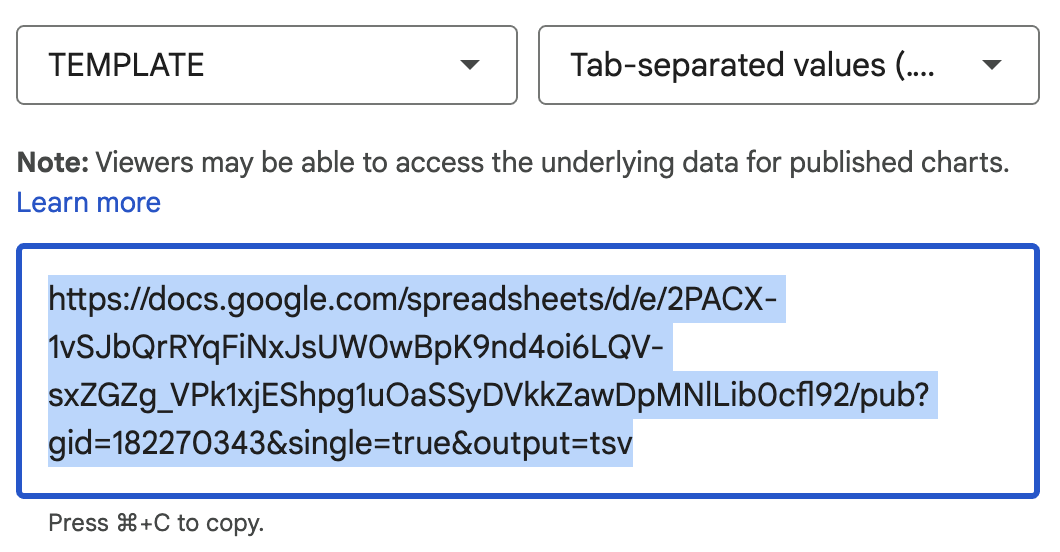
- In the dropdown menu, change from "Web page" to "Comma-separated
values (.csv)"
- Click Publish and copy the generated link
Step 4: Connect to Course Planner
- Paste the copied link into the Load Course Data field
Important: Verify the link ends with output=csv before submitting